Your IP camera package includes a wall mount bracket and screws for optional wall mount or ceiling mount.
See Mount the camera unit section in the Installation guide for instructions.
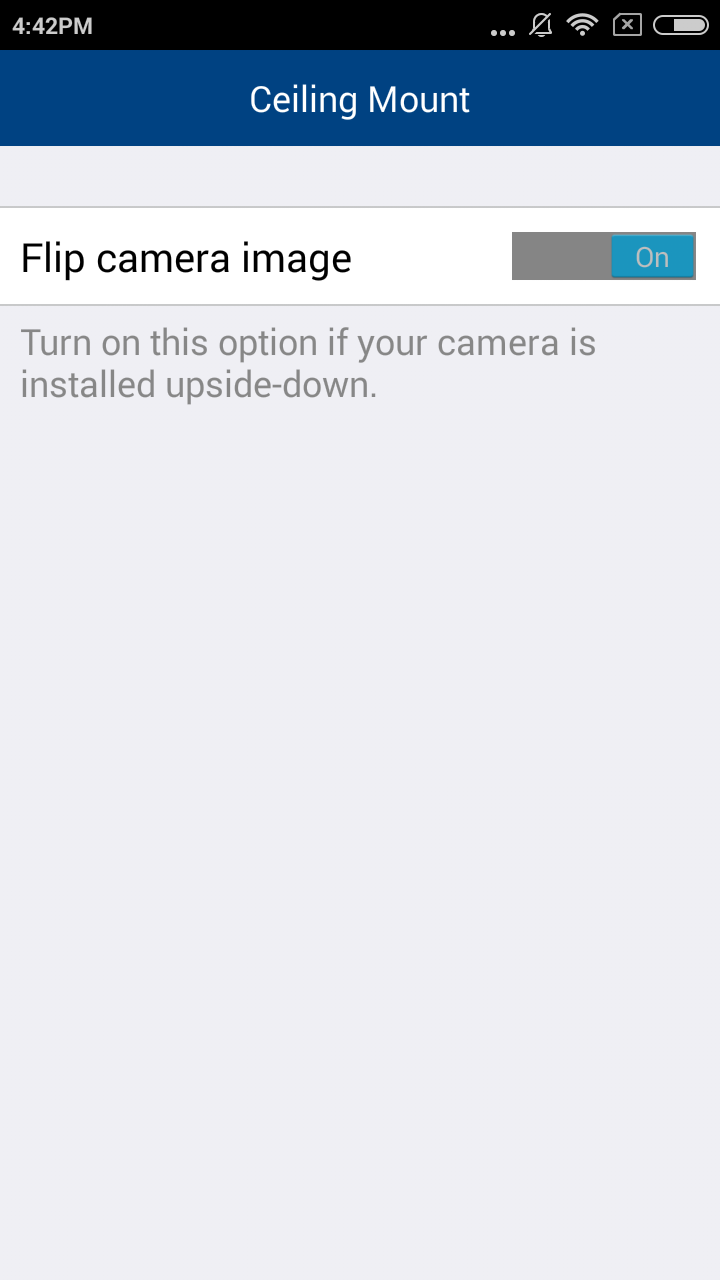
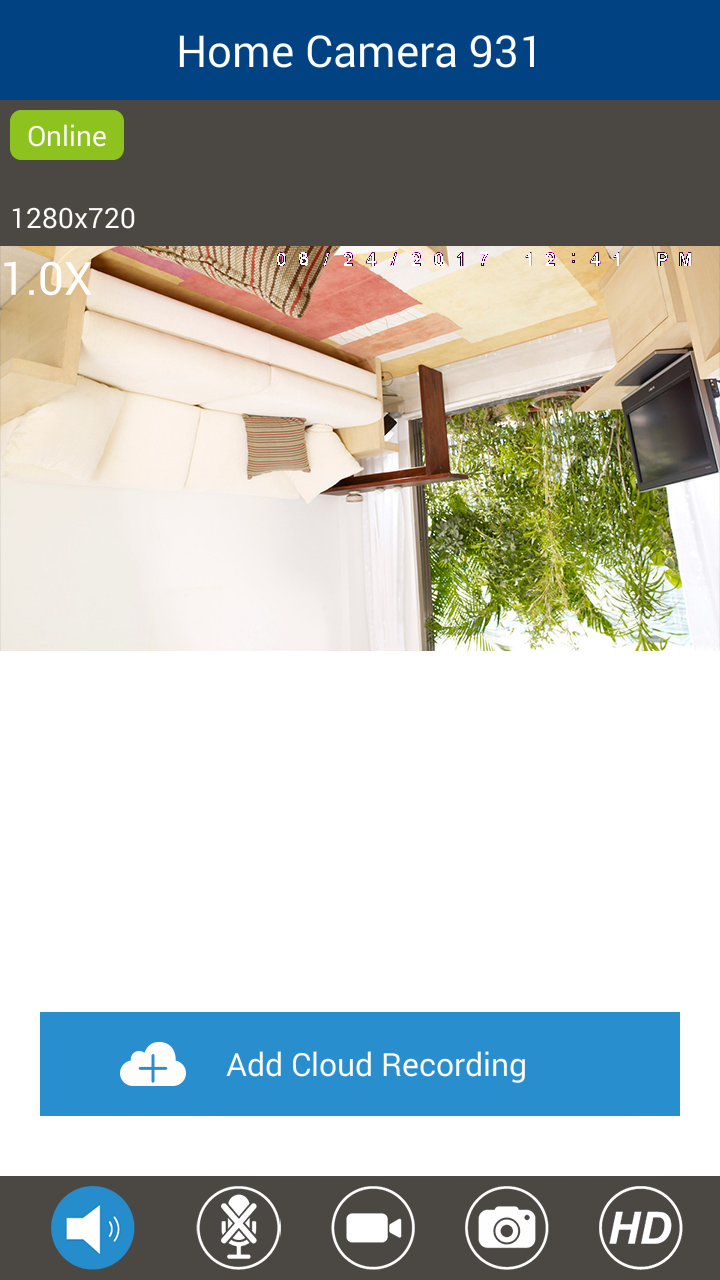
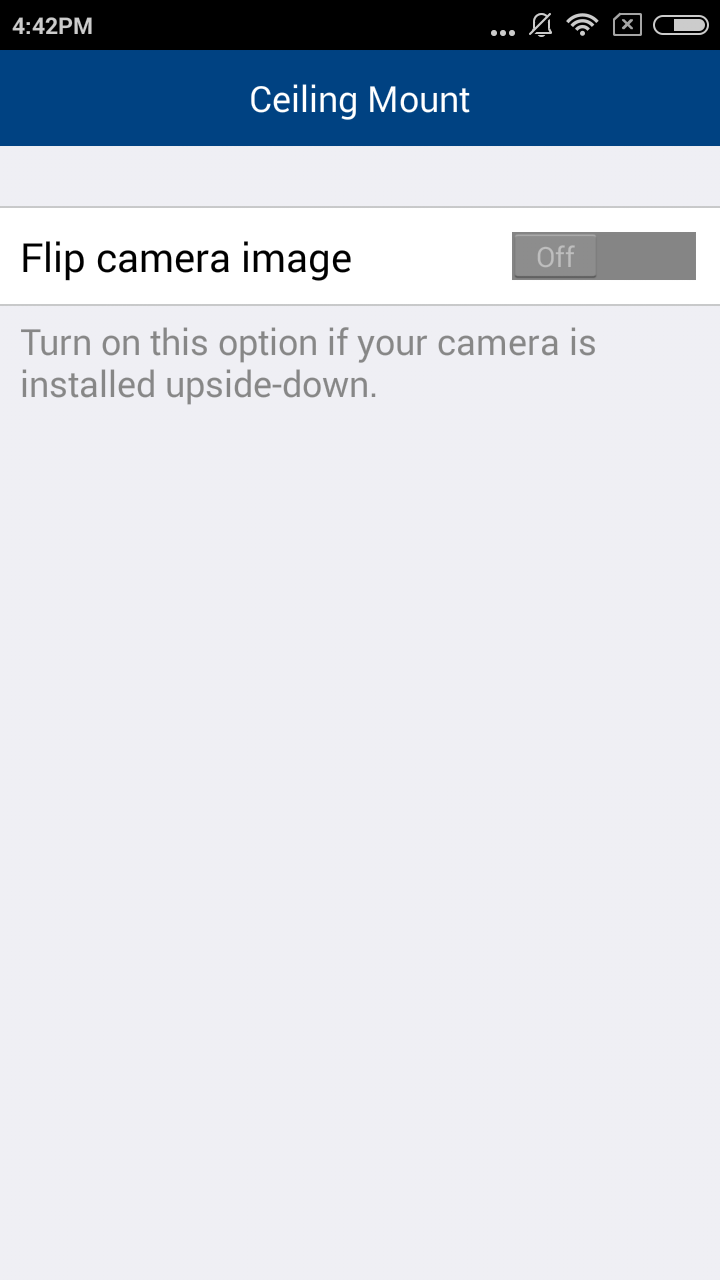
If you opt for ceiling mount, you can flip your camera view:
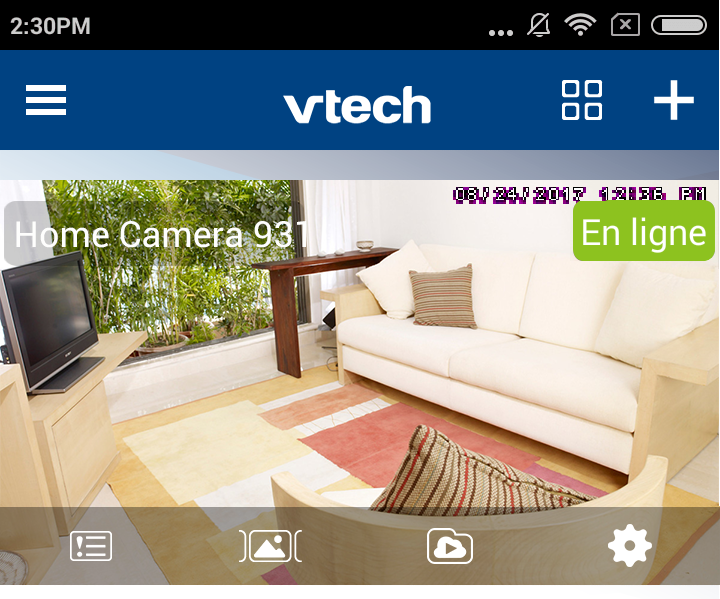
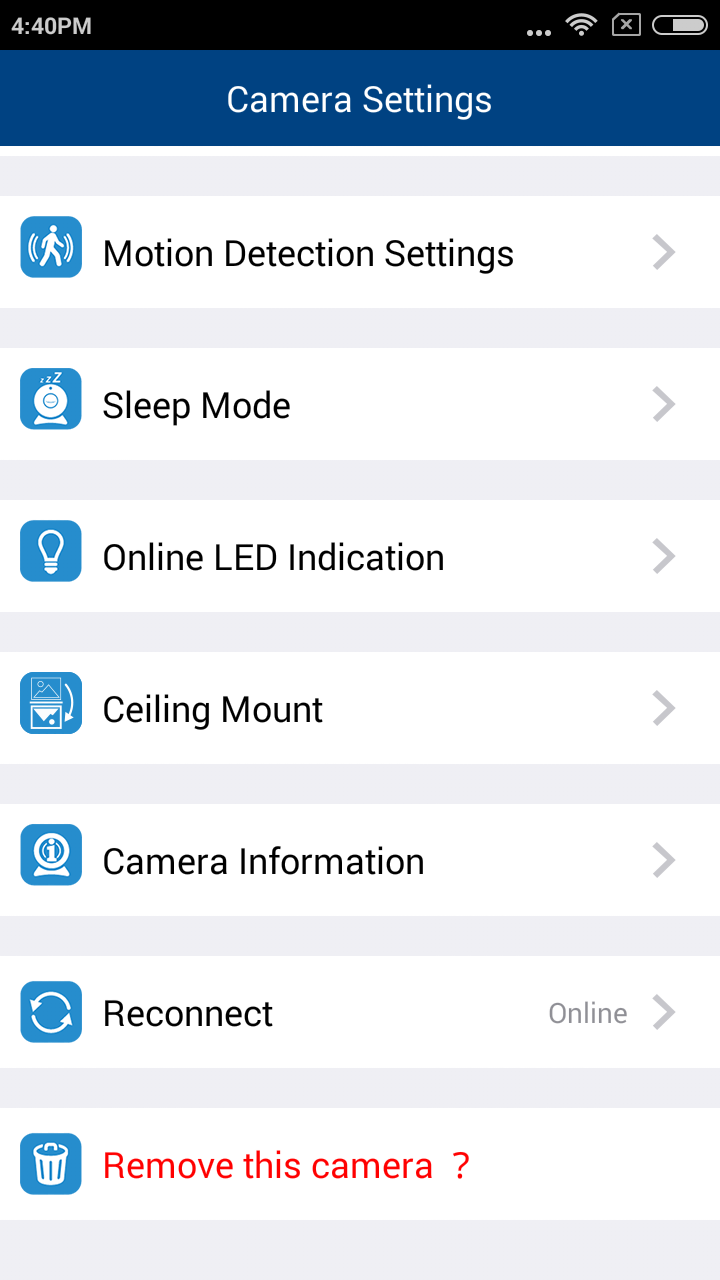
In the camera list, tap of a paired camera to enter its Camera Settings menu.
 of a paired camera to enter its Camera Settings menu.